Duck Hunt NES Tips and Tricks That Bring Back the Nostalgia
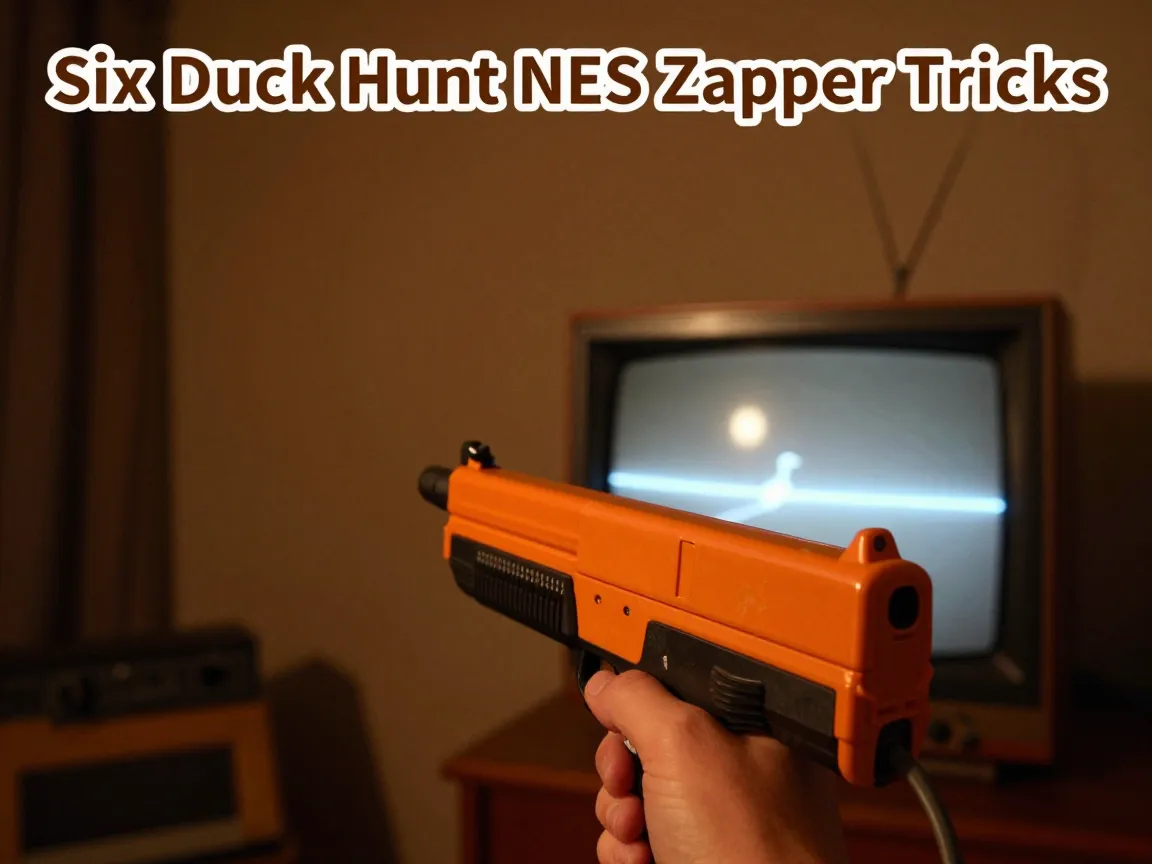
Somewhere around 1985, millions of households pointed an orange plastic gun at a television set and genuinely believed the ducks could hear them coming. Duck Hunt sold over 28 million copies alongside the NES, making it one of the best-selling games of all time, and it did that with one button, a Zapper, and a dog that laughed at your failures. These 6 Duck Hunt NES tips and tricks that bring back the nostalgia are still circulating in retro gaming guides in 2026, which says something real about how deep this game’s grip goes.
Disclosure: This post contains affiliate links. As an Amazon Associate, we earn from qualifying purchases, and at no extra cost to you.
Key Takeaways
- Placing the Zapper directly against the CRT screen is a documented accuracy hack, not a myth.
- A second NES controller can manually control the ducks, turning a solo game into a two-player challenge.
- Game A, B, and C each require a different strategic approach, skill level should determine which mode you start with.
- TV brightness settings have a direct, measurable effect on the Zapper’s hit detection.
- The screen-freeze pause trick lets you line up shots with extra precision.
- Keeping the Zapper’s optical sensor clean is a practical maintenance step that prevents frustrating misses on original hardware.
1. Press the Zapper Directly Against the CRT Screen
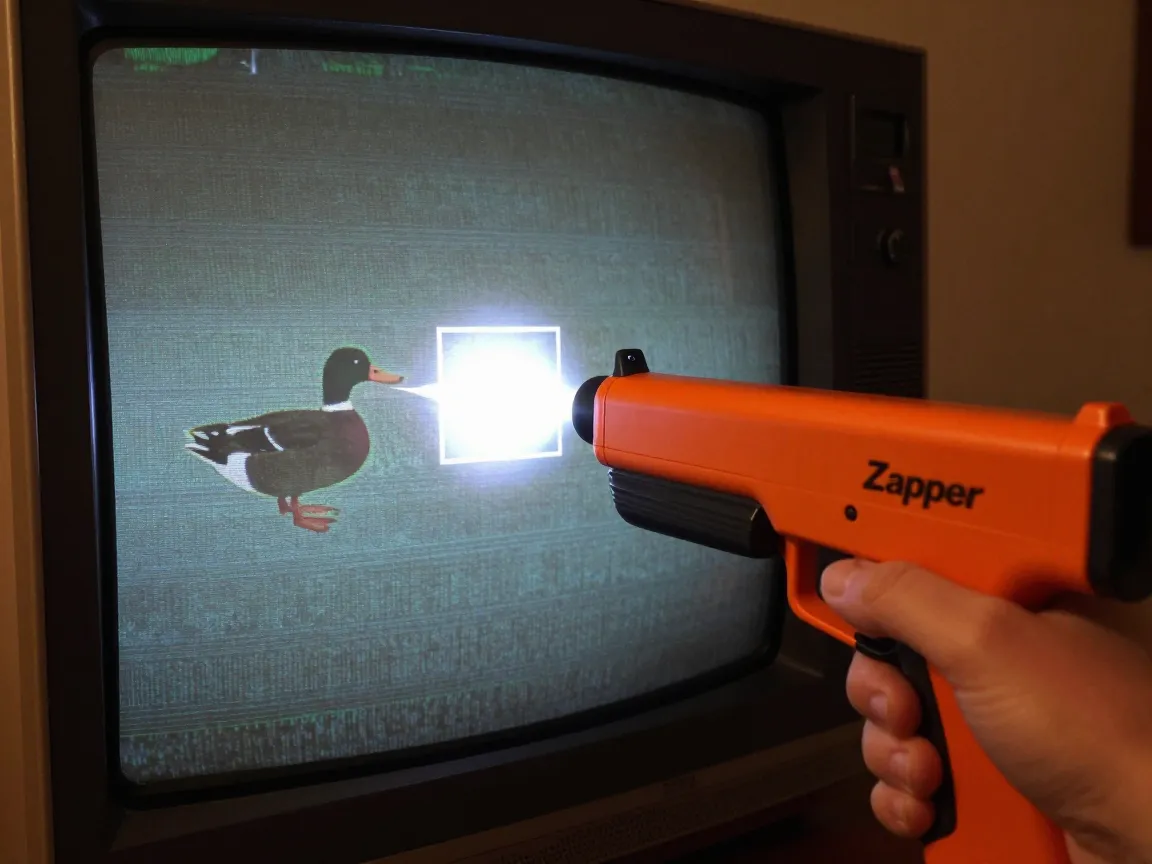
This one feels wrong the first time you hear it. Standard instinct says you aim from a natural shooting distance, but the Zapper’s light-sensor technology responds more reliably the closer it gets to the television’s phosphor display. When you press the barrel flush against the screen and fire, the sensor picks up the bright flash the game generates at the duck’s position with far less interference from ambient room light.
This works because of how the Zapper actually detects hits. When you pull the trigger, the game briefly blacks out the screen and then flashes a white box over the duck’s location. The Zapper reads whether its sensor caught that flash. At close range, stray light from lamps or windows can’t dilute the signal, so the detection stays clean. During late-night sessions with the lights low, the difference is noticeable even at a normal distance, but pressing the barrel to the screen removes the variable almost entirely.
One caveat worth stating directly: this only works on original CRT televisions. Modern flat-screen displays process signal in ways that break the Zapper’s timing entirely, so if you’re playing on original hardware, make sure the television is a genuine CRT.
2. Adjust TV Brightness Before You Start
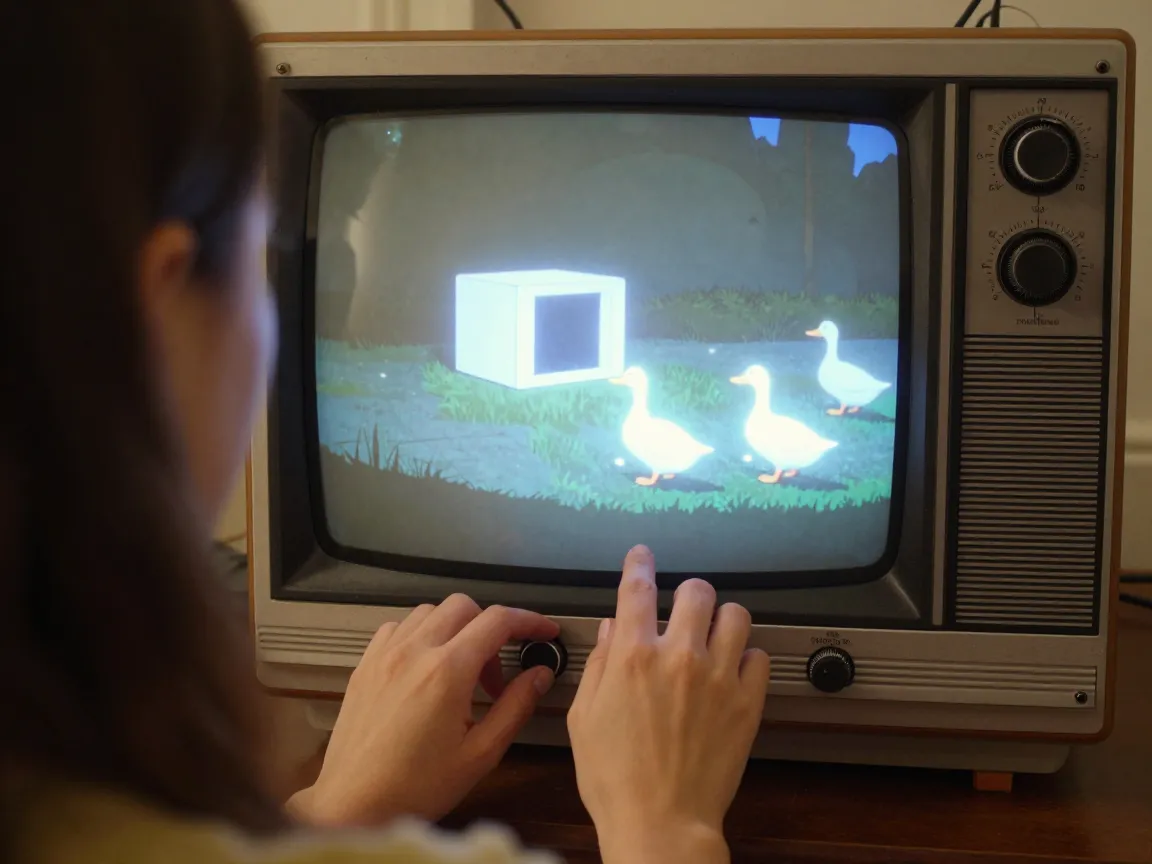
Before firing a single shot, go into the television’s settings and turn the brightness up. The Zapper depends on the screen’s light output to detect hits, and a dim CRT reduces the peak brightness of the white detection flash. That means more misses that have nothing to do with your aim and everything to do with display calibration.
On a standard CRT from the 1980s or early 1990s, brightness degrades naturally as the tube ages. A set that looked fine for watching television can underperform for Zapper games because the light-dependent hit detection needs a sharper contrast between the black frame and the white detection box. Pushing brightness toward the higher end of the dial, not to the point of washing out the image, but noticeably above the midpoint, tightens up the game’s responsiveness in a way that feels almost like improving your own reflexes.
Contrast settings matter less than brightness here. The game generates its own detection flash, so contrast affects the visual look of the ducks more than it affects the sensor. Brightness is the specific variable tied directly to Zapper function.
3. Use the Screen-Freeze Pause Trick for Precision Shots
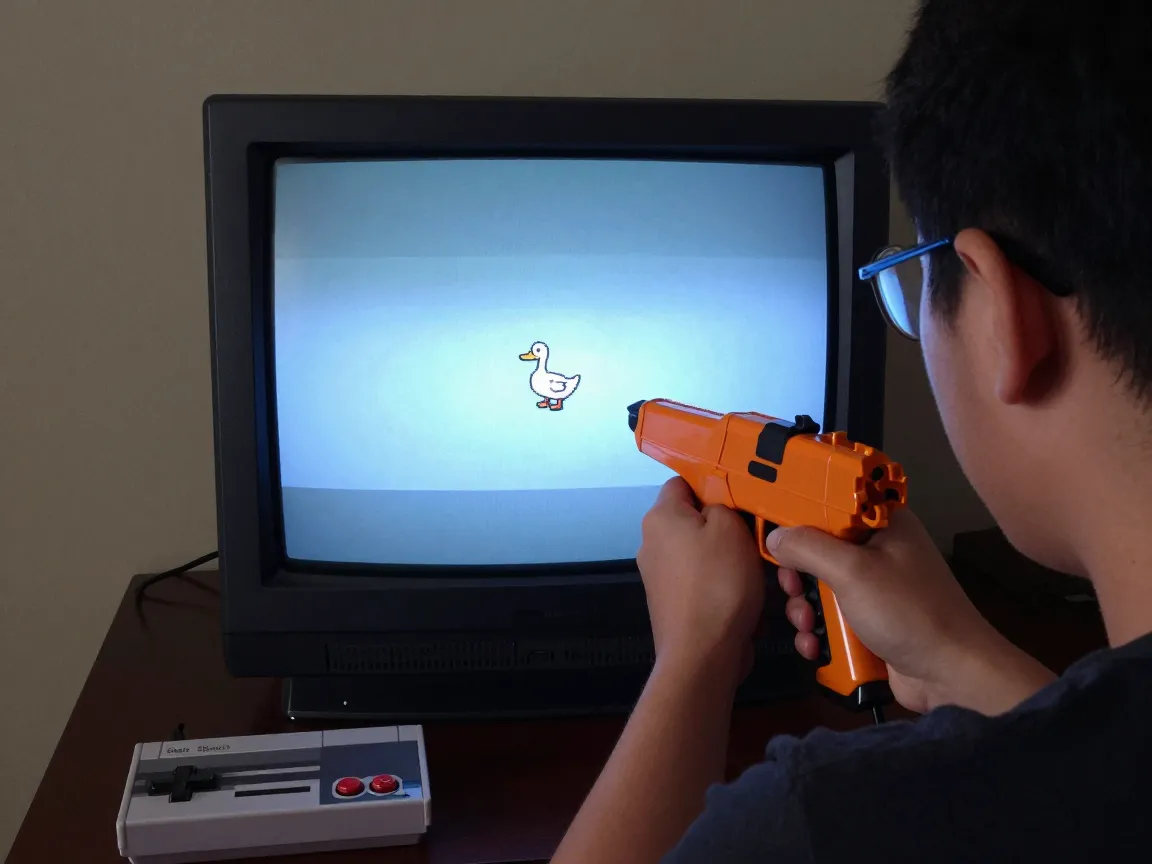
When a duck reaches the outer edges of the screen and the shot feels nearly impossible, the screen-freeze trick gives you a window that the game’s designers almost certainly did not intend. By pressing the Start button at the right moment, the game pauses with the duck visually frozen in position. You can then aim directly at the duck while the frame is still, unpause, and fire with the cursor already on target.
The timing takes some practice. Pressing Start too early freezes the duck before it reaches a convenient position, and pressing too late means the duck has already escaped. After a few rounds, the right pause window becomes intuitive, usually when the duck is on the outer third of the screen and moving away from center.
This trick is particularly useful during Round 10 and beyond, when duck speed increases enough that normal tracking becomes genuinely difficult. It doesn’t eliminate the challenge; it redistributes it from raw twitch speed to timing and positioning. Some players consider it a crutch. Others treat it as a legitimate skill in its own right, which is a fair way to think about any technique that requires deliberate practice.
4. Control the Ducks With a Second NES Controller
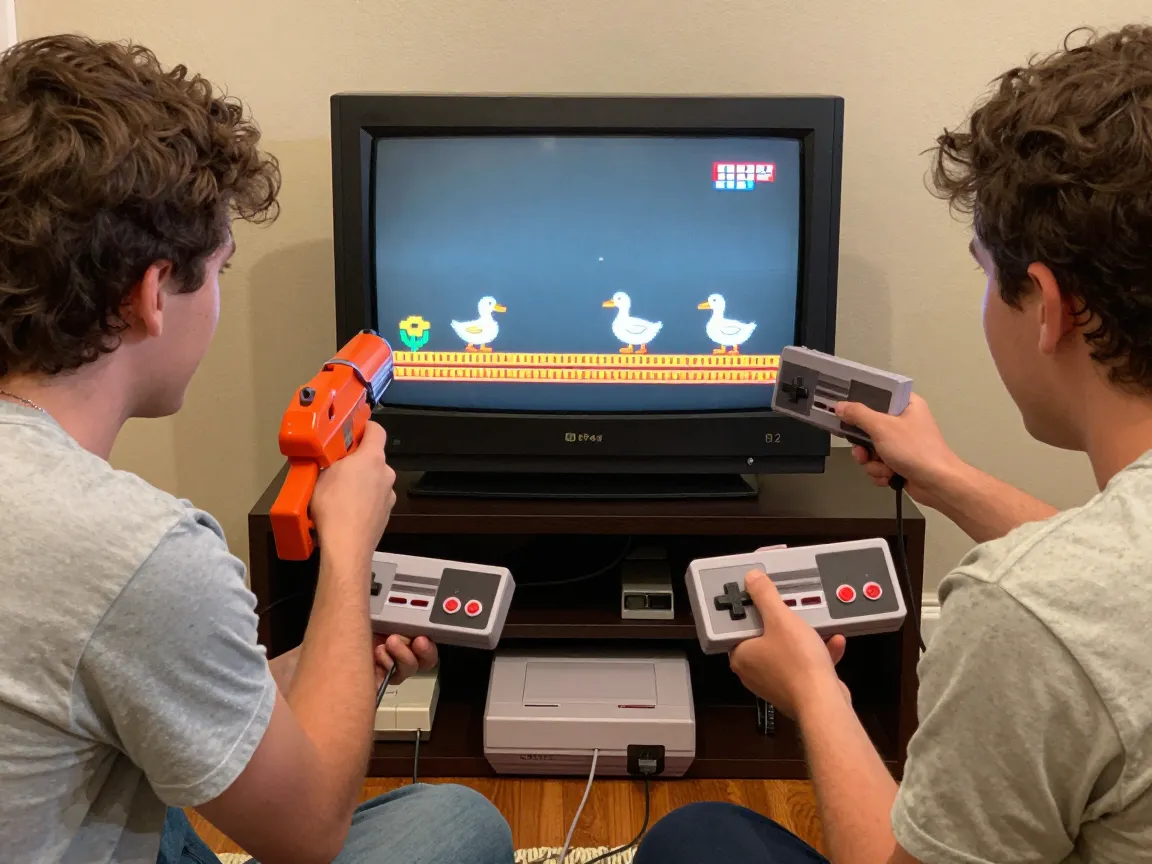
Plug a second controller into Port 2 on the NES console, and the person holding it gains direct control over the ducks’ movement. This isn’t a rumor from a school playground. It’s documented behavior in the game’s code. The second-player input affects the duck’s flight path, letting someone steer the target away from wherever the shooter is aiming.
The left and right directions on the second controller’s D-pad influence horizontal movement, making the duck veer sharply. This turns Duck Hunt from a solo gallery game into a two-player competition with a natural dynamic, one person hunting, one person evading. For parties or family game nights, this setup produces a noticeably different experience than playing against the game’s default AI patterns.
There are limits to what the duck-controller can do. The ducks still follow a general upward trajectory and will eventually reach the top of the screen, so the second player can’t hold the duck on screen forever. The control is more about disruption than complete manipulation. Still, even modest interference dramatically increases the difficulty for the shooter and adds a social layer the game’s box never advertised.
5. Match Your Strategy to the Game Mode
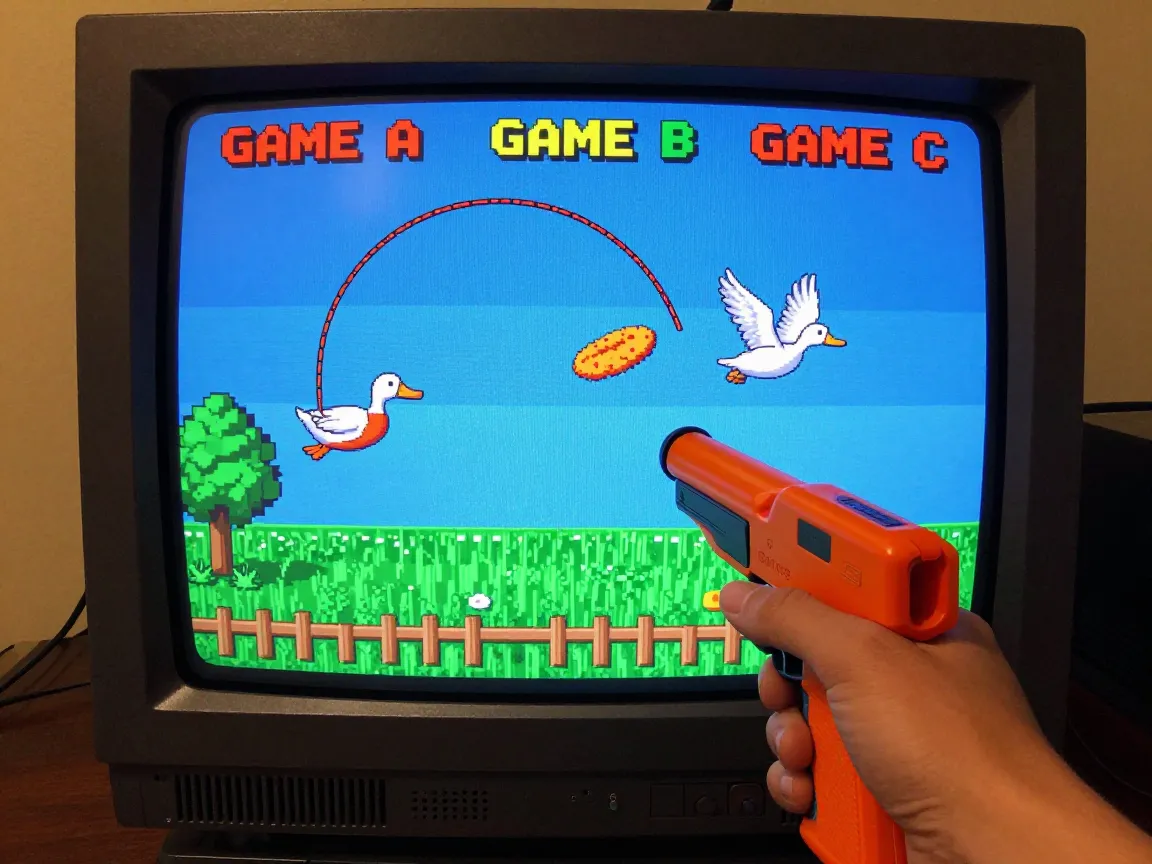
Duck Hunt has three distinct modes, Game A, Game B, and Game C, and playing all three with the same approach wastes what each one offers differently.
Game A presents a single duck per round. It’s the right starting point for anyone coming back after years away from the hardware. The duck’s arc is wider and more predictable, and the timing window for a shot is longer. This mode builds the muscle memory for trigger timing without overwhelming the player, and round progression increases speed gradually rather than immediately.
Game B sends two ducks airborne simultaneously. Accuracy matters here in a different way, you have two targets and three shots, so efficiency counts. Chasing one duck all the way to the screen edge while the other climbs out of range is the most common mistake. The better approach is to take the lower duck first (the one that will reach the edge sooner), then swing to the higher one while it’s still visible. Players who routinely clear Game A rounds at later stages often find that Game B resets their confidence in a useful way.
Game C switches to clay shooting format, replacing ducks with orange discs that move at a fixed, faster pace. The trajectory is more linear, which sounds easier but removes the unpredictability of duck behavior that experienced players have been reading unconsciously. Clay discs reward a lead-shot approach, aiming slightly ahead of the disc rather than directly at it. If you’ve been playing duck modes for years, Game C feels genuinely foreign for the first few rounds.
6. Clean and Maintain the Zapper’s Optical Sensor
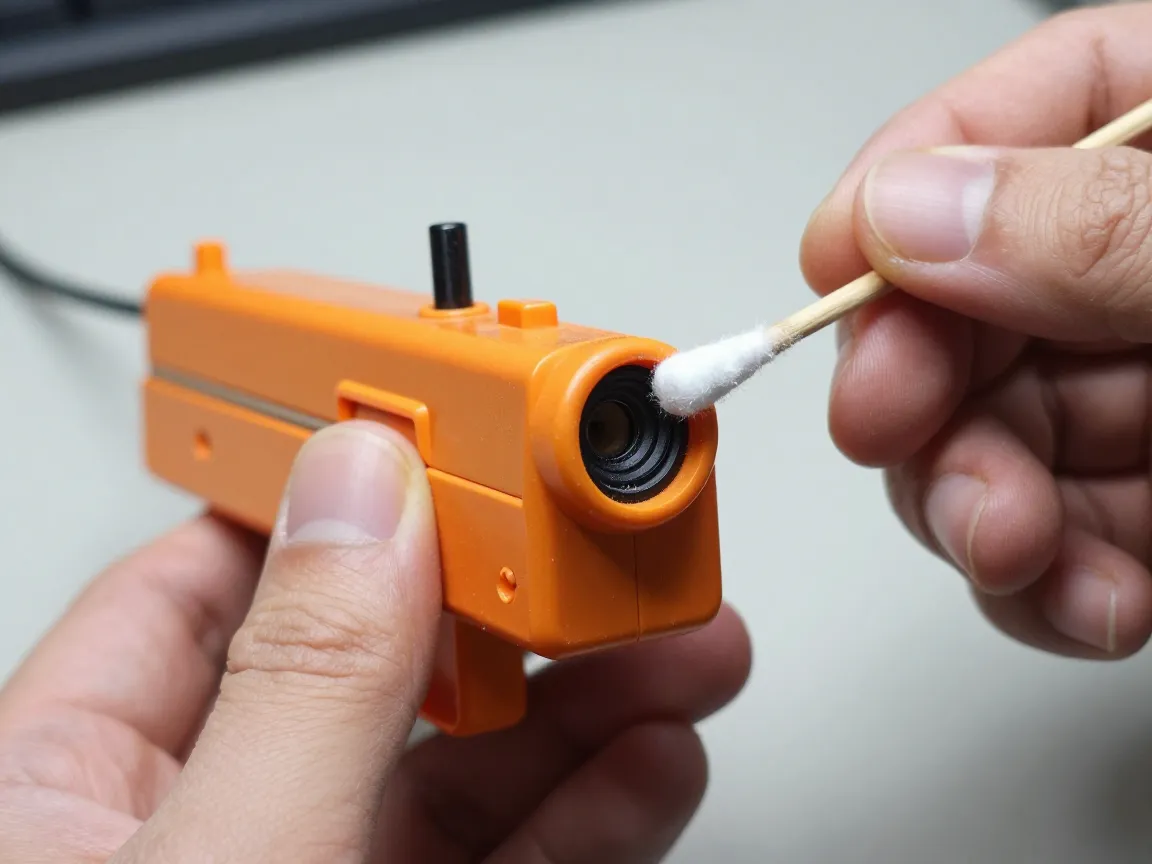
A Zapper that’s been sitting in a bin for a decade is going to miss shots that have nothing to do with your aim. The barrel’s optical sensor, a small aperture near the front of the gun, collects dust and grime over time, and that buildup scatters the light it needs to read hits accurately. On original hardware being used in 2026, cleaning the sensor is not optional maintenance; it’s the prerequisite for any other tip on this list to work reliably.
The cleaning process is straightforward. Use a dry cotton swab to gently clear the opening at the barrel tip. Avoid any liquid cleaner directly on the sensor opening, since moisture near optical components can cause problems on hardware that is now over 35 years old. If the swab picks up visible residue, run a second dry swab until it comes away clean.
The orange plastic of the original Zapper also tends to yellow with age due to bromine in the plastic oxidizing with UV light. That cosmetic issue doesn’t affect performance, but it’s worth noting that the internal contacts between the trigger mechanism and the cartridge port connection can corrode. For players who experience intermittent misses even after cleaning the barrel tip, using a contact cleaner designed for electronics on the cord’s connector pins, applied carefully with a swab, often resolves the issue. High-score runs and party-night challenges fall apart when the hardware behaves unpredictably, and the fix is usually a two-minute cleaning job rather than a hardware problem.
Quick Comparison
| Tip | Type | Difficulty to Execute | Impact on Accuracy |
|---|---|---|---|
| Zapper against the screen | Hardware technique | Low | High |
| TV brightness adjustment | Setup adjustment | Low | High |
| Screen-freeze pause trick | In-game technique | Medium | Medium-High |
| Second controller duck control | Multiplayer setup | Low | Changes game mode entirely |
| Mode-specific strategy | Game knowledge | Medium | Medium |
| Zapper sensor cleaning | Hardware maintenance | Low | High (on aging hardware) |
Conclusion
Duck Hunt’s staying power in 2026 isn’t about the game being technically impressive, it isn’t. What keeps retro guides updating these tips year after year is the specific, physical quality of holding a plastic gun and pointing it at a screen. These 6 Duck Hunt NES Tips and Tricks That Bring Back the Nostalgia matter because they let you get more out of that experience rather than less.
The single most useful next step is cleaning the Zapper before anything else. Every other technique on this list depends on the hardware performing consistently, and a fouled optical sensor quietly undermines all of them. Clean the sensor, adjust the TV brightness, and the rest of the tips become genuinely testable rather than theoretical.